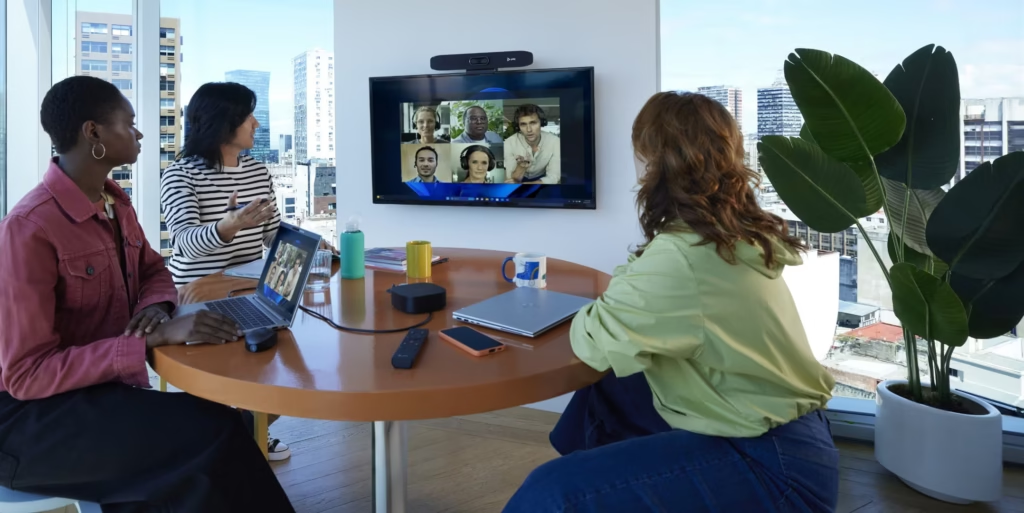
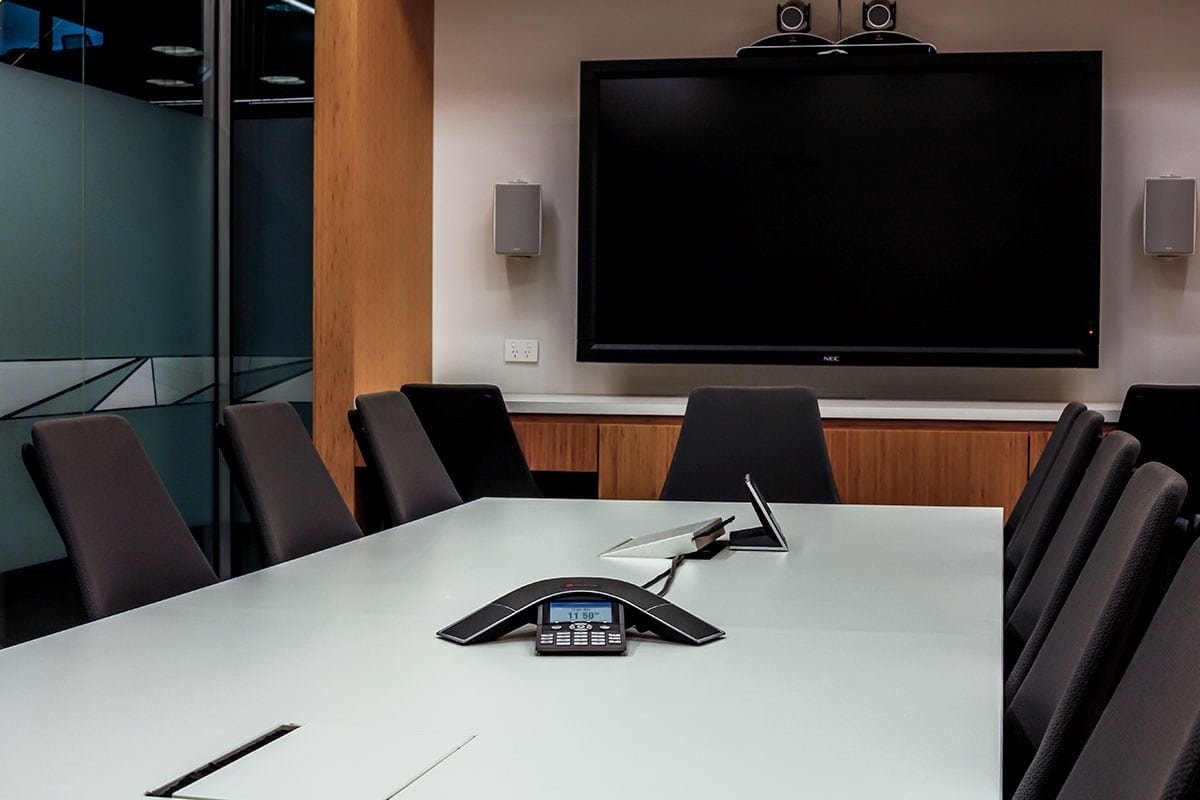
Imagine walking into a crucial team meeting, only to lose precious minutes and valuable business opportunities because the AV system refuses to cooperate.
As time goes on, your frustration increases as those vital first ten minutes are interrupted by echoes, grainy video, and the dreaded question, “Can you hear me now?” over and over. You’re trying to connect with a client who expects professionalism, not technical difficulties, but this first impression isn’t ideal.
As simple as it sounds, the right audio-visual meeting solutions can change all that.
Whether you’re upgrading a single room or require AV solutions across multiple sites, this article will provide the knowledge of the essential tools, design considerations and strategies that will help your business and ensure lagging video calls stay in the past. With a few changes, you will have professional and efficient meetings with clear communication and visuals.In this blog, we cover…
What audio visual equipment do I need?
A modern AV meeting room includes the following:
- Displays or projection
- Cameras and microphones
- Speakers and audio processing
- Connectivity (wired and wireless)
- Room control and automation
- Integration with platforms such as Microsoft Teams or Zoom
What ties the whole process together is how well everything is designed, installed and configured to work together for your room and your team.
Without this, a myriad of problems can result from a simple root cause.
Every room works differently, so users have to relearn how to connect every time. If nobody knows which cable, button, or input to use, this can waste the first ten minutes trying to get the video working, whilst those on the other side of the camera can’t hear or see what’s going on.
With the correct audio visual solutions in place, these problems won’t be there to begin with. Anyone with a call booked should be able to get the meeting started, whether in the office or remote, press the green button and not experience any problems.
What you’d expect from a high-performance AV meeting room
1. Audio that just… works
If there’s one part of your system to prioritise, it’s audio. If people can’t hear properly, the meeting fails, no matter how sharp the visuals look.
Key components:
- Microphones: Ceiling microphones or beamforming arrays work well in medium- to large-sized rooms. Table mics can be a good fit in smaller spaces if cable management is handled neatly.
- DSP (Digital Signal Processing): Handles echo cancellation, noise reduction and audio balancing.
- Speakers: Ceiling- or wall-mounted speakers positioned to provide even coverage.
When we begin a project, we always start with identifying the room’s acoustics. Sometimes modest changes, like softer walls that soak up echoes, do more for clarity than any single piece of hardware.
2. Displays and visuals that support the conversation
For most meeting rooms, large-format flat-panel displays are the go-to choice.
- Bright, reliable images even in well-lit rooms
- Simple integration with VC platforms
- Less ongoing maintenance than projectors
Where more interactivity is required, such as workshops or training, interactive touchscreens allow annotation, sketching ideas and capturing decisions in real time.
3. Cameras optimised for hybrid meetings
The camera is the remote attendee’s view of the room. A poorly chosen or badly positioned camera makes remote colleagues feel like observers, not participants.
- Field of view: Wide enough to capture everyone without distortion
- Auto-framing: Adjusts framing as people join or leave
- PTZ options: Focus on speakers or whiteboards in larger rooms
Camera choice is driven by room size, layout and daily use.
4. Connection without the headache
Effective audio visual meeting solutions offer:
- Wired connectivity: USB-C or HDMI at the table
- Wireless presentation: For guests and BYOD
- Consistent interfaces across rooms
Many businesses now standardise rooms for one-touch meeting starts via a touch panel.
5. Control systems that keep things simple
A well-designed control interface lets users:
- Start a meeting with one tap
- Adjust volume, camera view and sources
- Control lights and blinds where integrated
Clean, intuitive layouts reduce confusion, support calls and create smoother experiences.
Expert setup insights: Where projects succeed or struggle
You could buy the best equipment available, but if it’s not installed correctly, the user experience suffers.
Our three key steps to successful AV projects:
- Conduct a thorough site survey
- Design around people and workflows
- Plan for future upgrades
Networking planning from the beginning is crucial for cloud-based VC platforms and remote management.
Starting with the right AV solution
By focusing on audio, visuals, connectivity and control, you’ll remove the stress from online meetings.
Your next hybrid meeting could feel effortless, with clear audio and crisp visuals.
This is the future of flawless hybrid meetings, and it’s within your reach.
FAQs
- What’s the most important part of an AV solution?
Audio. - Do I need a 4K display?
Not always. - Can I upgrade existing equipment?
Often, yes. - How long does installation take?
From hours to days. - Why get a professional AV assessment?
To match the solution to your space and budget.